
Appointments & Booking
How local businesses use Appointments & Booking in Blinko — setup guides, playbooks, and real examples.
16 articles

10DLC and SMS Compliance for Hair Salons
10DLC for hair salons: whether your reminder texts need brand registration, what it costs, how chair renters change it, and when you can skip it.

10DLC for Barber Shops: When You Actually Need It
10DLC for barbers and barber shops: whether you need to register, what it costs, how chair rental changes it, and when it does not apply to you at all.

Plan Your HOG Chapter's Monthly Ride Calendar
Stop coordinating chapter rides through five different group chats. Build one shared ride calendar your whole HOG chapter can actually trust.

How to Book Appointments in Blinko
Three ways to set appointments in Blinko: let customers request a time, propose one in person by QR, or send a time to one customer. Add-to-calendar too.

Blinko vs Square: The Gap Between Appointments
Square Appointments books the session and takes the payment. It cannot spot a client who has not rebooked in six weeks. Here is what fills that gap.

Get Booked, Collect Copays, Keep Patients on Plan
Solo chiropractors chase payments and lose patients between visits. Here is how to take payment at booking and automate reminders without a front desk.

How Photographers Can Build a Referral Network for Steady Bookings
Stop relying on social media. Build a referral network with complementary businesses and repeat clients for predictable bookings.

Why Photography Clients Stop Rebooking (And How to Fix It)
Most photographers book clients once and never see them again. Learn the retention strategy that turns one-time clients into repeat customers.

Chiropractic Appointment Calendar: Chaos to Calm
Stop juggling phone calls, texts and calendar software. Patients see your availability and book directly, with automated reminders and no manual chasing.

Run Class Sign-Ups Without a Spreadsheet or Group Chat
Group chats and raised-hand emoji are not a sign-up system. A QR automation lets members pick their class, confirm a spot, and hand you a clean list.

How to Take Appointment Requests Without Booking Software
Take appointment requests without booking software: a structured request that reaches you in the conversation, so you confirm a bespoke job in one reply.

How to Charge a Deposit Before an Appointment
No-shows cost service businesses hours every week. A deposit automation collects service preference and a small payment before the booking is confirmed.

Get Reference Photos Before a Hair Appointment
Stylists who see reference photos before a client sits down run faster consultations. A media automation collects photos and hair history beforehand.

Salon Client Retention Between Appointments
Salon client retention: AI-powered win-back campaigns bring overdue clients back between appointments. Automated, personalized, no constant texting.

Why Massage Clients Stop Rebooking (And the Fix)
Massage clients drift away quietly — not because of the work, but because nobody followed up. Automate the rebooking nudge while you are in session.
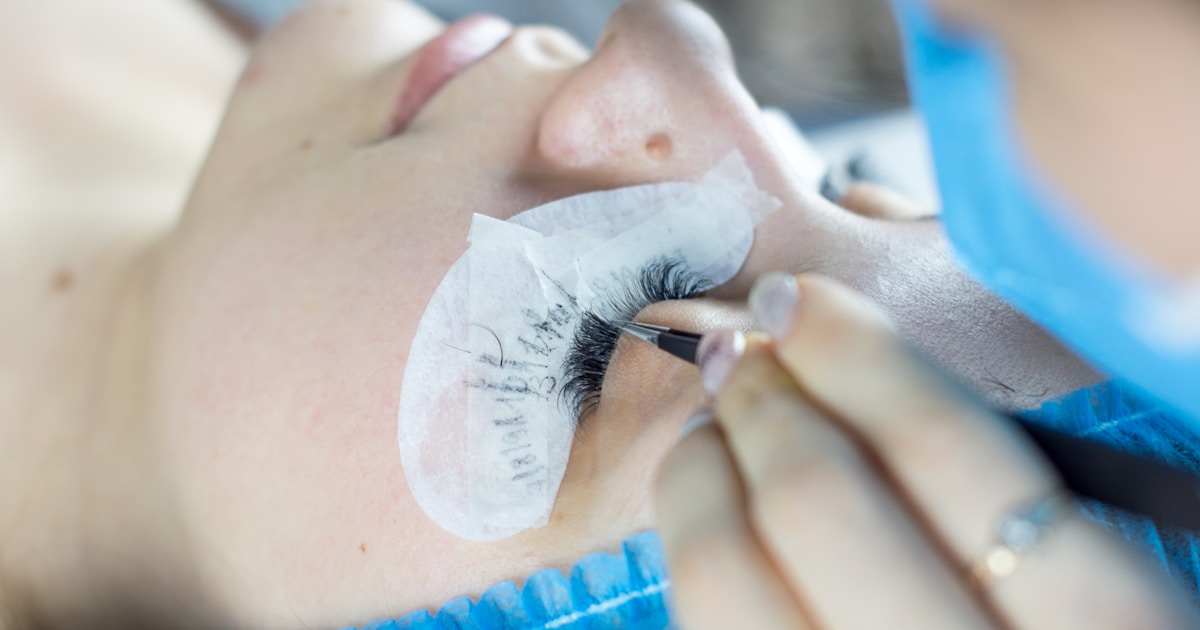
Lash & Brow Businesses: How to Bring Clients Back Every 2–3 Weeks
How lash and brow businesses can automate the client rebooking cycle with digital loyalty programs and timed win-back campaigns — without chasing clients for their phone number.
Put it into practice
Everything you just read is built into Blinko. Start free and set it up in minutes.
- 0% platform fee
- Free forever
- No credit card
- Cancel anytime